- Frontend · Business logic and integrations
- 2023 — 2026
- Next.js · React · TypeScript · Pages Router
Where it came from
It came in through WiperAgency, a marketing agency that also did custom development under the Flexy Store sub-brand. It started in 2023 and ran through the last months of that year, then kept growing: plan upgrades, new gateways, new countries.
There were two of us on frontend. The other came from markup and did not work with JavaScript or frameworks, so all the logic, the integrations and the client-side architecture ended up on my side.
The brief
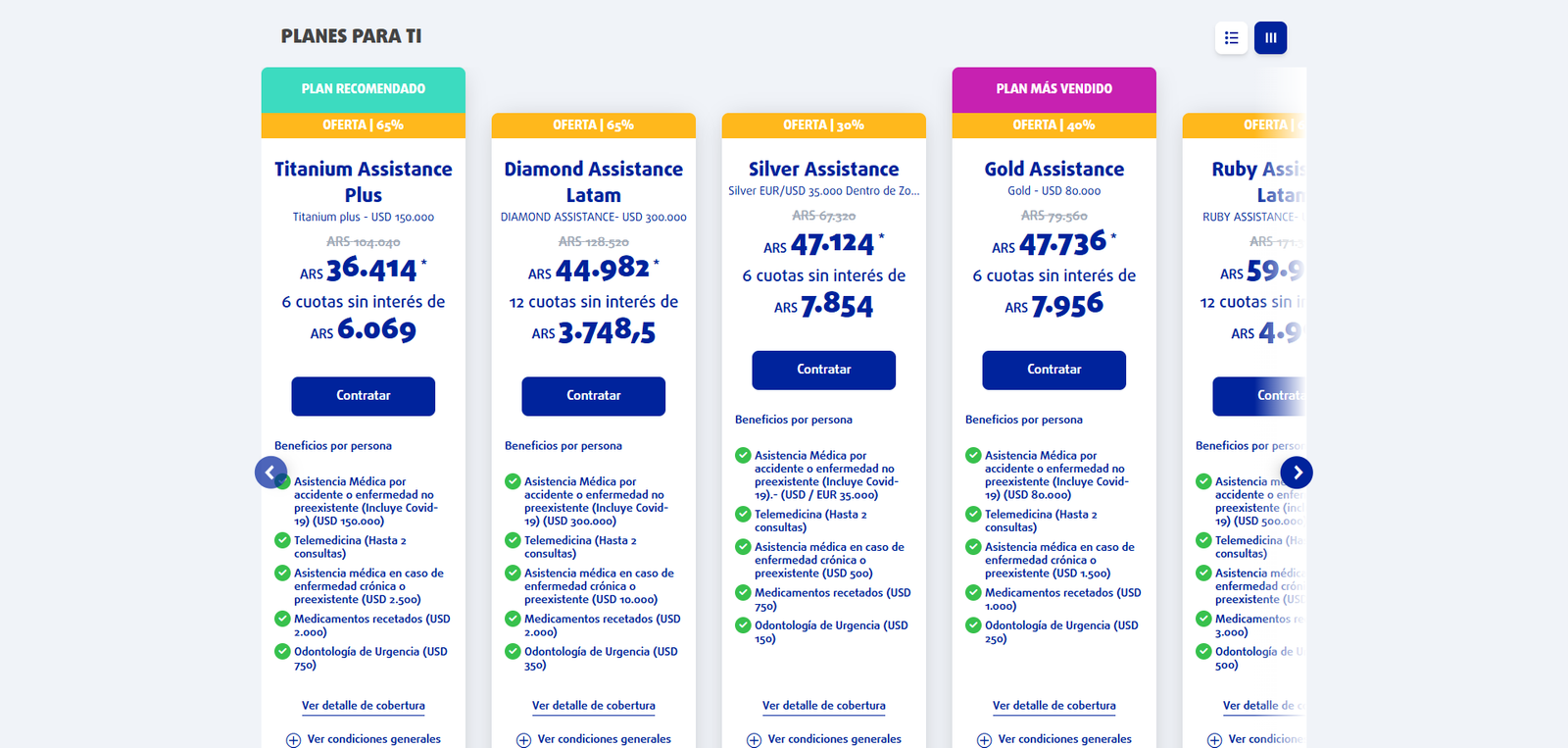
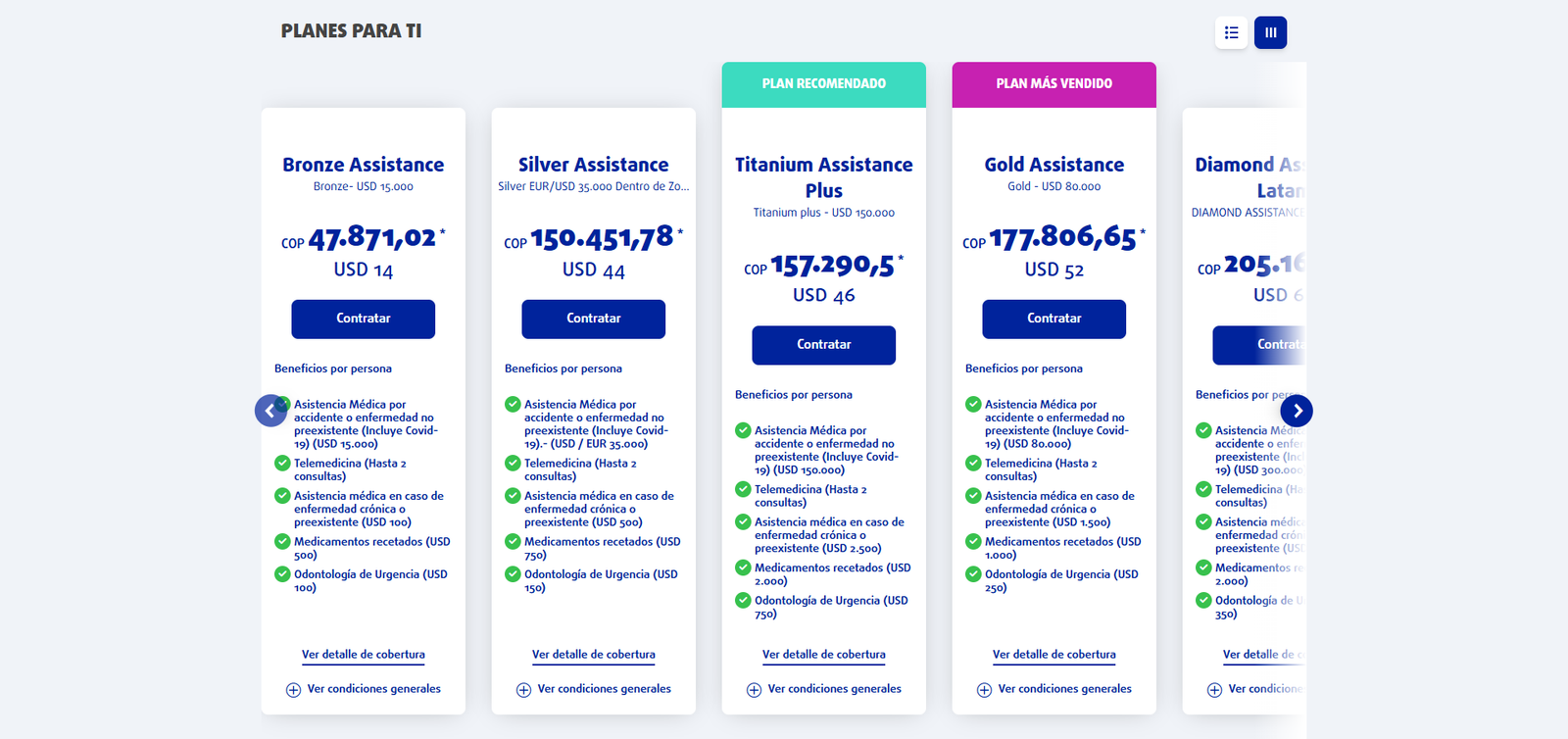
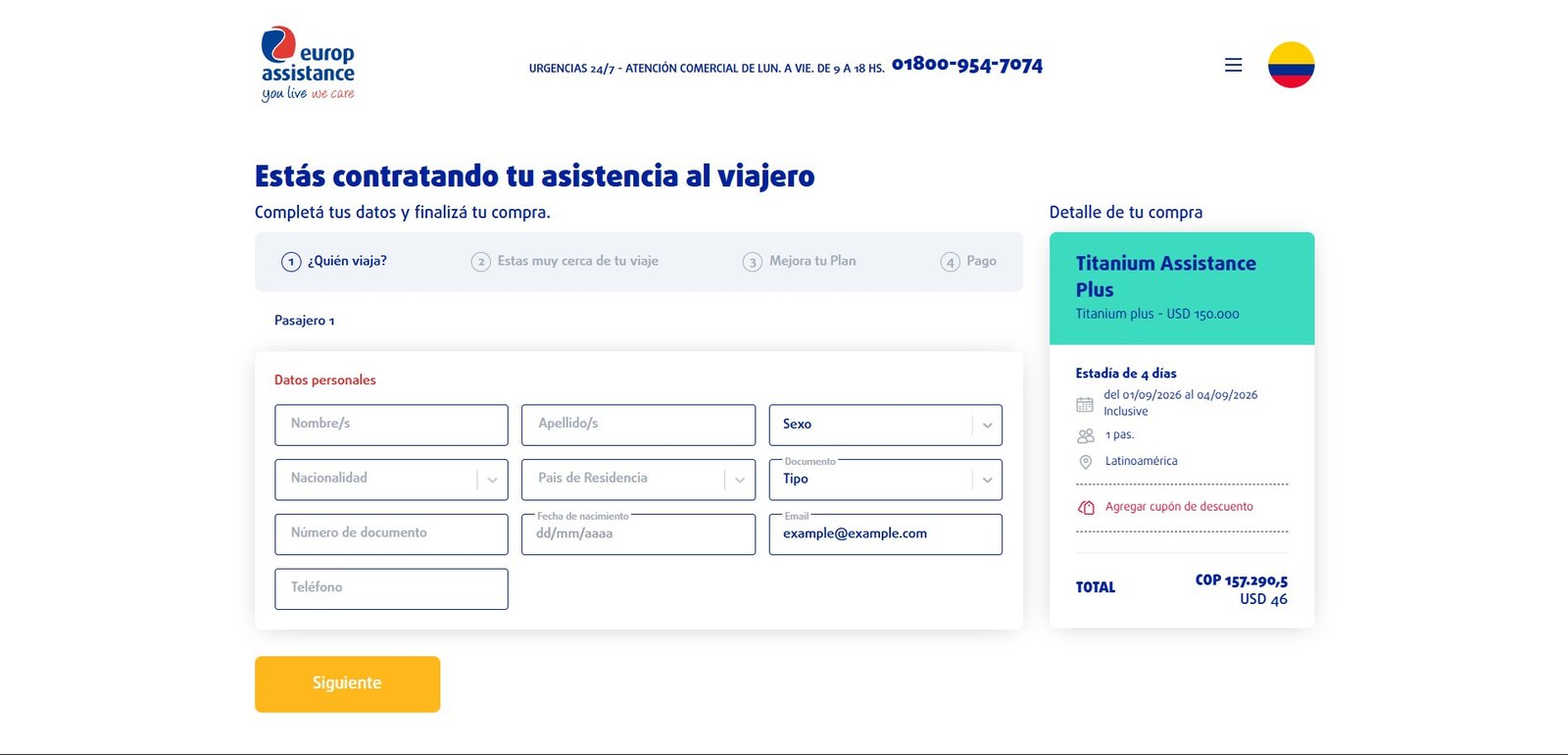
A travel assistance e-commerce is a quoting engine before it is a store: the price depends on the destination, the dates, and the number of passengers and their ages. On top of that you have to issue a real voucher, take payment in five or six countries through different gateways, and attribute every sale to the right store.
The constraint that defined the project was not a business one but an infrastructure one, and it showed up when development was already under way: the client’s server could not run Node. Everything that follows is a consequence of that single line.
How it ended
The site is still in production under the same domain, selling across several countries. What I took away is that infrastructure constraints get checked before you pick the framework, not after: a large part of the work was giving a serverless Next.js back the things Next.js solves with a server.
Problems and solutions
The client only had IIS servers and could not run a Node environment. The project was Next.js and had been designed around SSR for SEO and load times, which ruled out dynamic routes and any `getServerSideProps`.
A hybrid SSG/CSR strategy. The country became a query parameter (`/home?argentina`) instead of a dynamic route, anything that barely changed — the coverage pages, for instance — was prerendered as static, and the rest was resolved on the client with care around hydration. Served from Apache with pm2 and rewrite rules.
Payment gateways changed several times and were not the same in every country. We started with Decidir in Argentina and d-local across the region, later migrated to Mercado Pago, and trialled Transbank in Chile and Izipay in Peru.
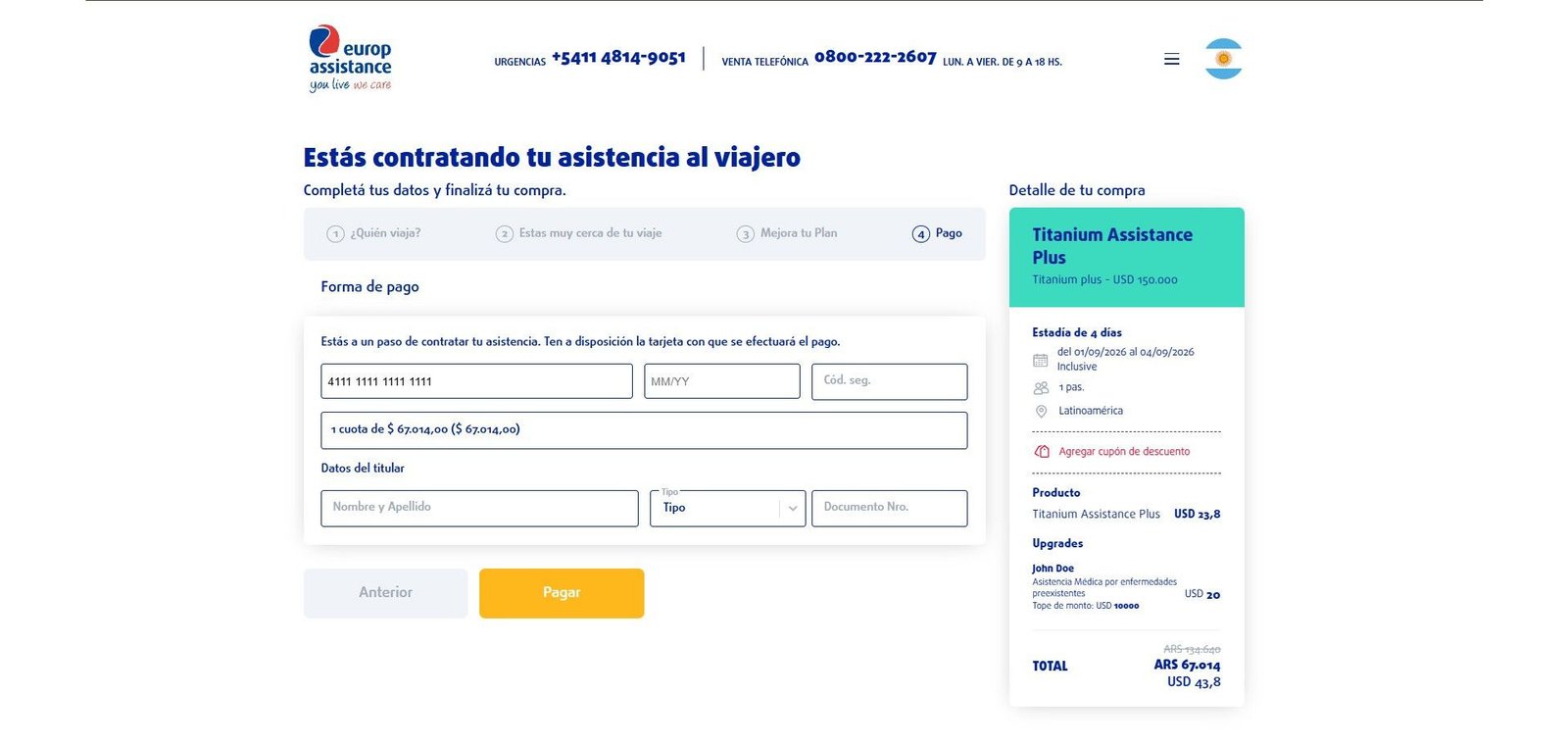
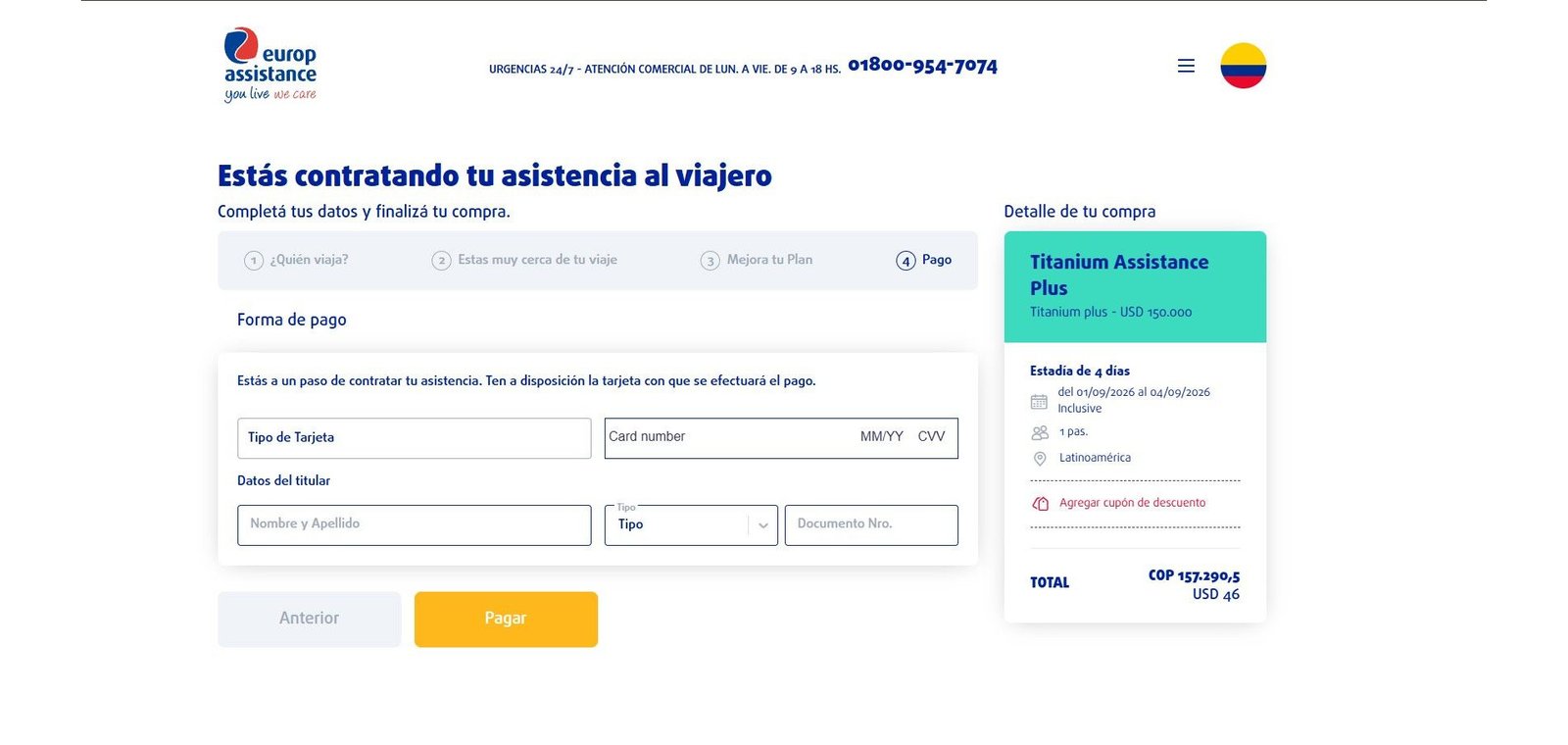
The frontend never touched card data. Each checkout mounts embedded — Mercado Pago injects its own inputs into containers with the ids it defines, Izipay runs in an iframe — and the data goes back encrypted to the API, which closes the transaction and reports whether the payment went through. Swapping gateways came down to mounting one more checkout, without touching the rest of the purchase flow.
The same site had to sell under different stores: the countries in the region, plus external sellers with their own sales attribution. In parallel, phone support needed to quote and close sales without going through the public site.
The store comes from the URL parameter, so a single checkout attributes the purchase to a country or to a seller without duplicating the site. For phone support, the back office builds the same quote and generates a link that lands straight in the checkout, with the chosen plan and passengers already loaded; all that is left is filling in details and paying.